







Computer access and more at your local FedEx Office
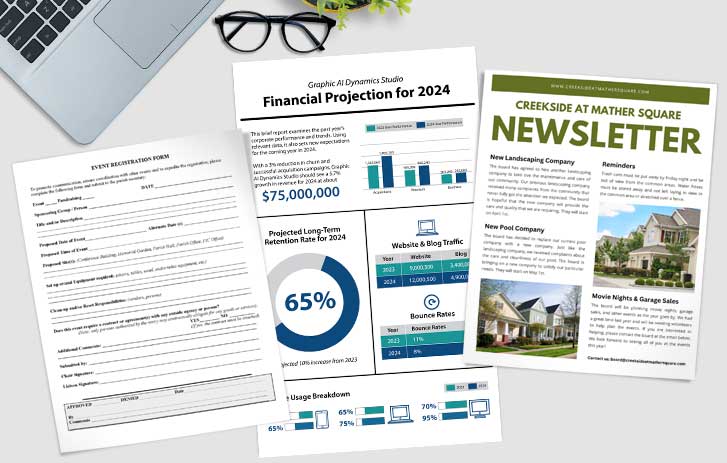
Conveniently located in 2,000+ FedEx Office locations, our self-service all access stations are available for everything from editing documents to printing and internet access to a full suite of Adobe® Creative Suite tools.
Access design templates, software, and the internet


Tackle design projects easily
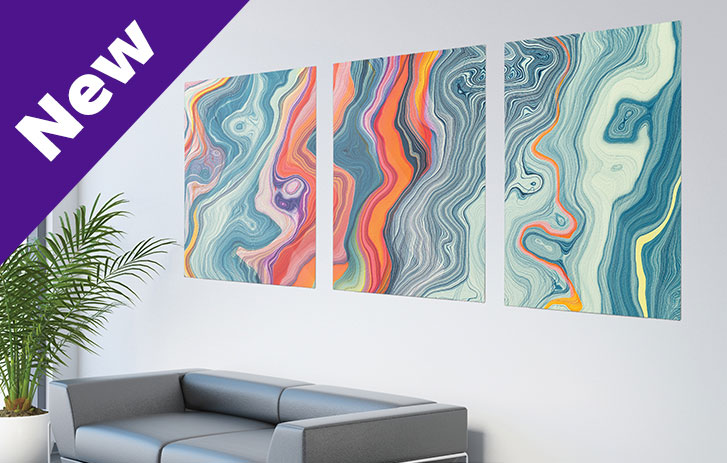
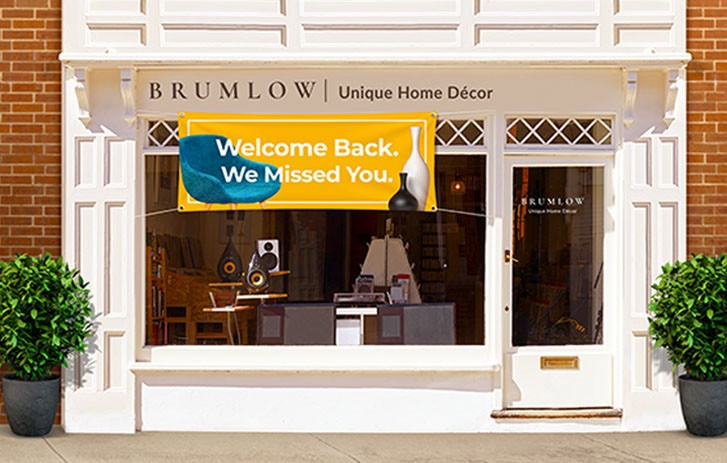
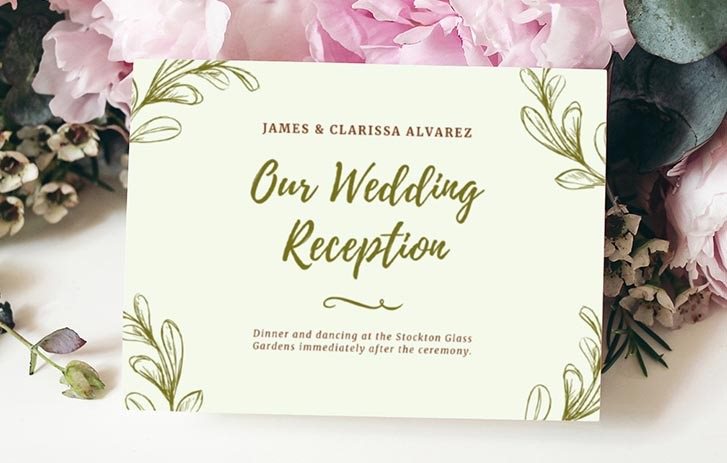
Complete design projects easily with our Design Center. At just 75¢/minute, you can access all FedEx Office products, flatbed scanning, plus Adobe® Creative Suite and Microsoft® Office. Perfect for building posters for your business or designing a new logo.


Type up and print out documents quickly
Quickly print out documents, letters, and more with our Office Center. At just 45¢/minute, you can access all FedEx Office products, plus Microsoft® Office. Perfect for printing last-minute documents or accessing the internet and checking your email.


Access the internet and more
Gain access for free to all FedEx Office print products or explore our online services like expedited passport services, direct mail, and self-service shipping.
Frequently asked questions
How do I download a file from my email?
To download a file from your email, log in to your account and download the file onto the computer. The file will be downloaded to the “documents” folder. From there, you can choose to open, edit, or print. Please ask a team member for further assistance as needed.
How do I scan a document onto the computer?
There are multiple ways to scan a document onto the computer: Self-serve and full-service offer sheet-fed and glass scanning, oversize scanning can be done at an AEC machine, and you can use a flatbed scanner at an all access station under Office Center mode for up to $0.55/minute. Each scanner will have "how to use” instructions for more information.
How do I connect my phone to the computer?
To connect your own device to the all access station, you will need to bring your own attachment. You can also email a document to yourself from your phone or upload it to the cloud.
How do I get a file from my phone onto the computer?
There are multiple ways to get a file from your phone onto the computer — USB, phone, access to email, and cloud source. Downloading a file from your personal email can be done in Office Center mode or Design Center mode.
Can I notarize documentations online on an all access station?
Documents can only be notarized online from your own device with audio and visual capabilities; however, a FedEx Office location can help you after your session. Print easily via email, flash drive, or the cloud at your nearest location.
Can I save a document onto the computer?
A document can be saved to the desktop or documents folder on the computer. All documents will be erased after you log out of a session.


